
Documentation's navigation
In this section
On this page
NEW IN SUITE 6.2 & ESSENTIALS 3.2 Linchpin Theme for Confluence is compatible with Confluence's Dark Mode. Yay!
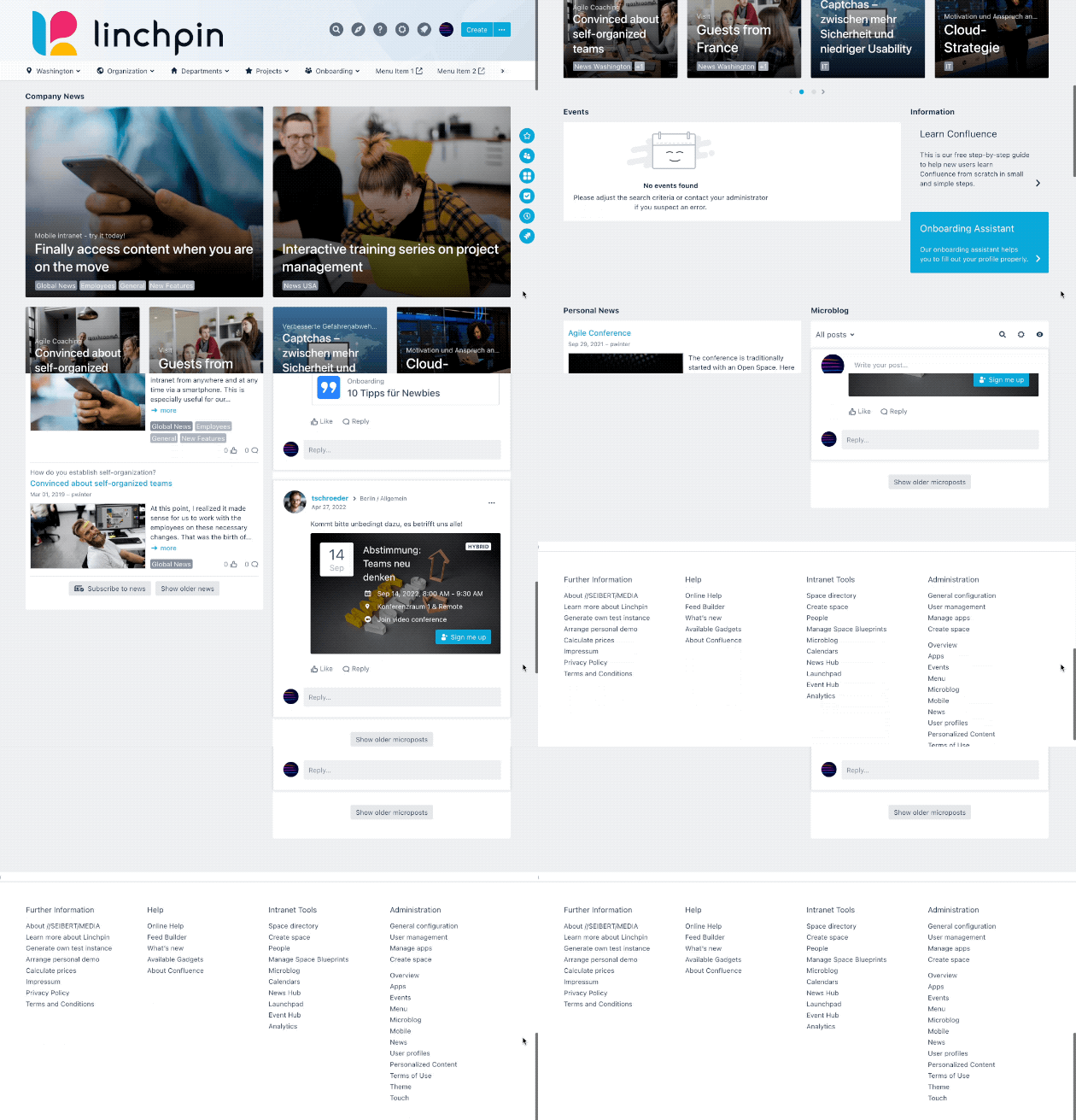
What is a footer?
A footer is a line or block of text appearing at the foot of each page of a website.
How to access the footer configuration
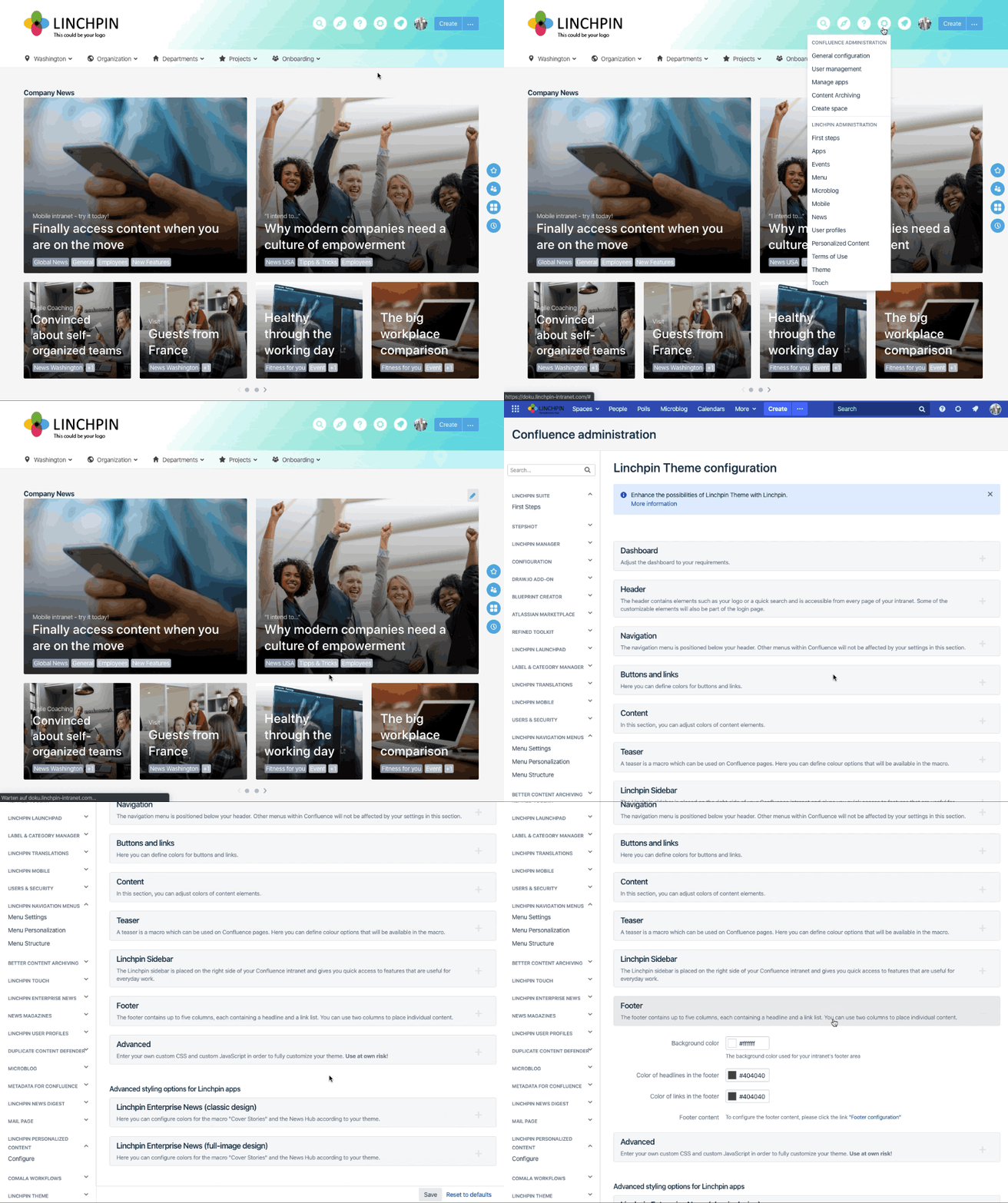
Navigate to Confluence administration > Linchpin Theme > Configuration > Footer.
Alternatively, click on the settings icon in your Linchpin header, then click on Theme > Footer.
Want to know how to customize your footer? Click here
Want to know how to customize the color of the background, headlines and links? Click here
Want to know how to customize the columns in my footer? Click here
Do you have an older Version?
To find the information about the footer UP UNTIL SUITE 5.5 AND ESSENTIALS 2.5: Click here
Please note: Make sure that Linchpin Theme is active.
Visit our documentation on how to activate your theme to learn more.

☁️ Looking for a Cloud-based Intranet?
Check out Mantra, your go-to alternative to Linchpin in the Atlassian Cloud!
Mantra is your a comprehensive solution for connecting teams, making collaboration a breeze, and keeping your company's internal communication strong and streamlined - all in the cloud.