

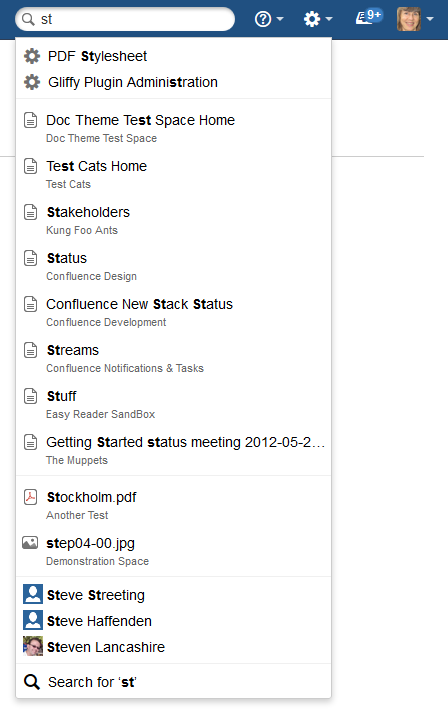
Filter your results
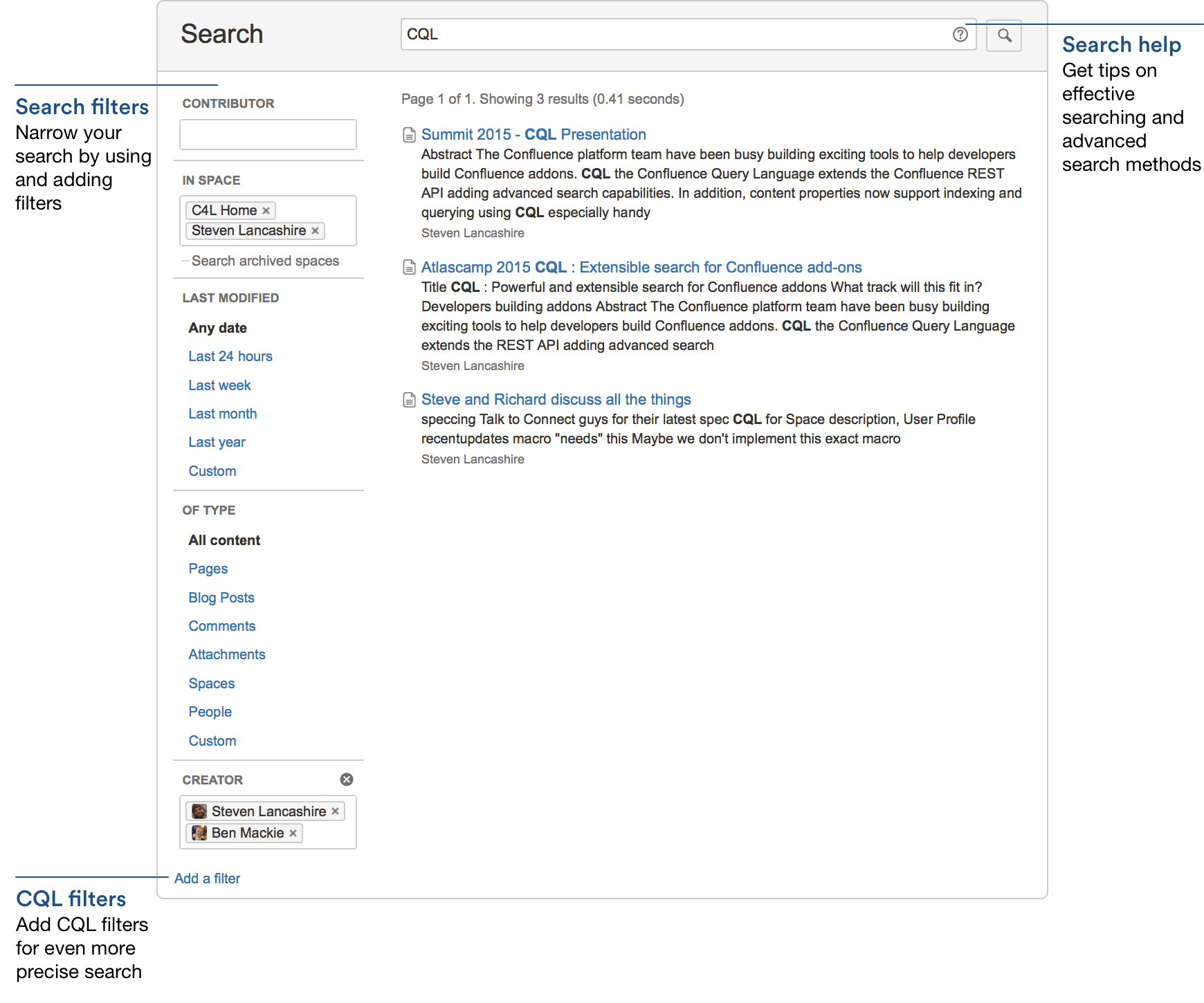
The Confluence search offers various filters:
- by author
- by space
- by last change (with various additional parameters)
- by type of content (all content, pages, news, attachements, spaces, comments, users, microposts, calendars, questions, answers)
Parameters for a more fine grained search

Additional search parameters like "OR" and "NOT" offer a more fine grained search. For more information, Confluence offers a native help system (question mark).
Sorting
Confluence will sort the results by relevance based on various idicators (keywords in titles, frequence of keywords, user recommendations, etc.).
Indexing
Confluence will index all saved content. Within minutes, new content will be findable by the search.
Adding Confluence as a search provider
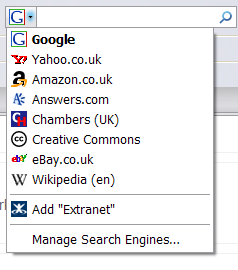
If you are using Firefox or Internet Explorer 7 or later, you can add your Confluence site as a search provider, using the dropdown menu next to the browser's search box.
The example below shows the 'Extranet' Confluence site offered for inclusion as a search engine in the browser's search box.
Further documentation and info

Requirements for an Intranet solution
The following pages allow you to learn more about the requirements that are set at modern Intranet Solutions and how we address these with our Confluence-based Intranet "LINCHPIN".