
Some profile field types are more advanced than others. There's also a fair bit of them. Here you will find a list with all field types and the explanation for the multiline text profile field.
How many field types exist?
Currently, thirteen field types exist.
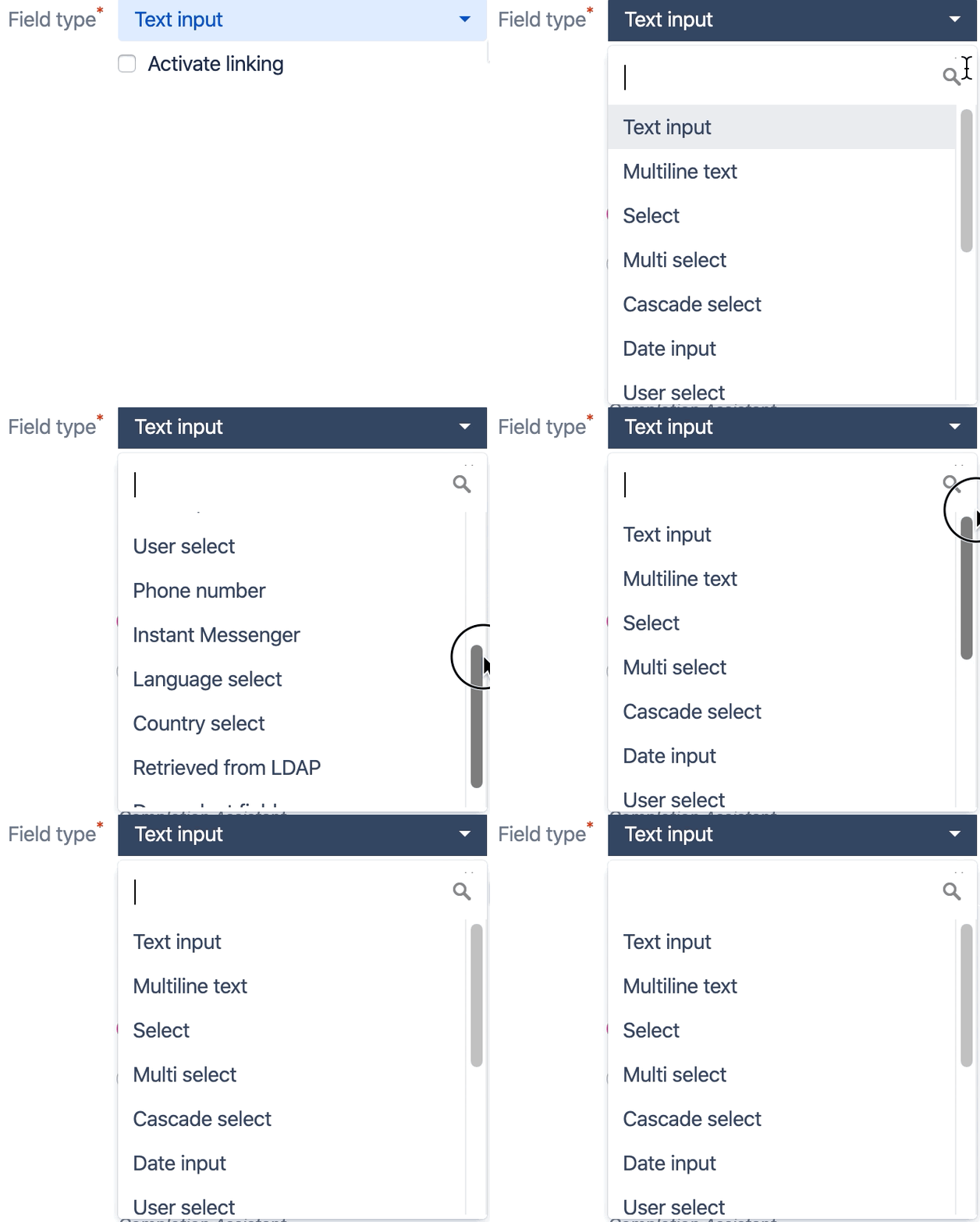
Those field types are:
Text input
Multiline text
Select
Multi select
Cascade select
Date input (old)
Date input (new)
User select
Phone number
Instant Messenger
Language select
Country select
Retrieved from LDAP
Dependent field
Special Fields
Full name
You can decide how the users' full names are being displayed.
Conditions
There are a few conditions you must meet if you want to customize full names.
- Your system has to use LDAP.
- The full name customization only affects users imported from LDAP.
- To save the full name changes, you have to run the LUP: Bulk profile update (LDAP sync) scheduled job or manually synchronize a profile.
- The custom full name will only be saved for a user, when their profile data can be accessed from LDAP.
- Incremental synchronization will make saving a custom full name impossible if there were no changes made to the user.
- If no LDAP key exists for any Linchpin User Profiles field, saving a custom full name will not work.
Configuration
Navigate to Confluence administration → Linchpin User Profiles → Profile Editor → Special fields.
In the text field, enter the profile field keys which should form the full name. Use any of your previously created user profile fields.
For example: {cup.academictitle-1} {cup.firstname-2} {cup.lastname-3} will result in Dr. John Doe.
For this feature to work, you have to configure your LDAP permissions.
Navigate to Confluence administration → Users & Security → User Directories.
Set your LDAP permissions to Read/Write.
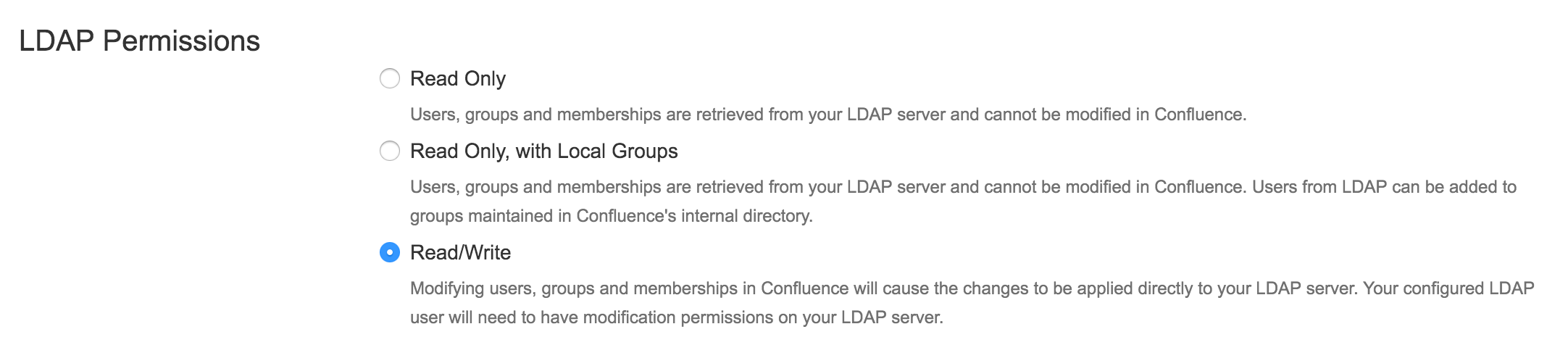
Important: Confluence will write the display name and possibly also the first and last name back into your LDAP resource.
Profile picture sources - URL, LDAP or Confluence
Profile pictures are a special kind of a profile field. They can be taken from three sources: URL, LDAP or direct upload to Confluence.
For a detailed guide on configuration and general information, please see the documentation on profile pictures.