
Documentation's navigation
On this page
Sign yourself out
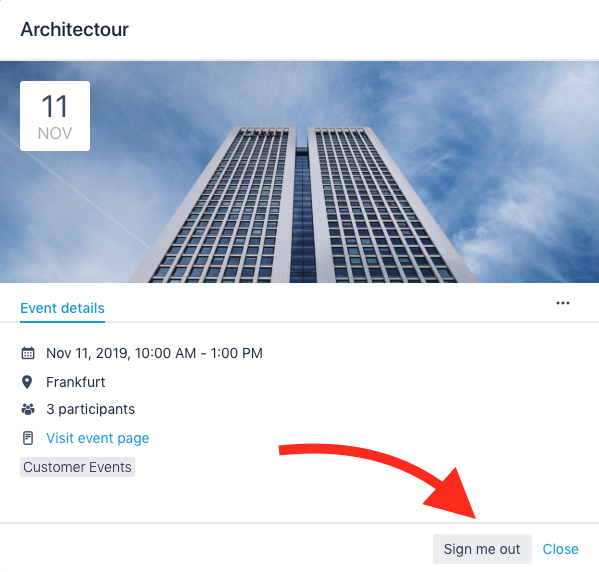
As soon as you are listed as a participant, you can sign yourself out. To do that, simply click on the gray button "Sign me out".
Where to find the "Sign me out" button:
- In the Event hub displayed in tile view.
- Inside the event details (after clicking on the event's title or cover image).
Event editors and Confluence administrators can always add/remove event participants. Even if those functions are disabled for normal users.
What else can I do with Linchpin Events?
Want to know how to sign others out? Click here!

☁️ Looking for a Cloud-based Intranet?
Check out Mantra, your go-to alternative to Linchpin in the Atlassian Cloud!
Mantra is your a comprehensive solution for connecting teams, making collaboration a breeze, and keeping your company's internal communication strong and streamlined - all in the cloud.