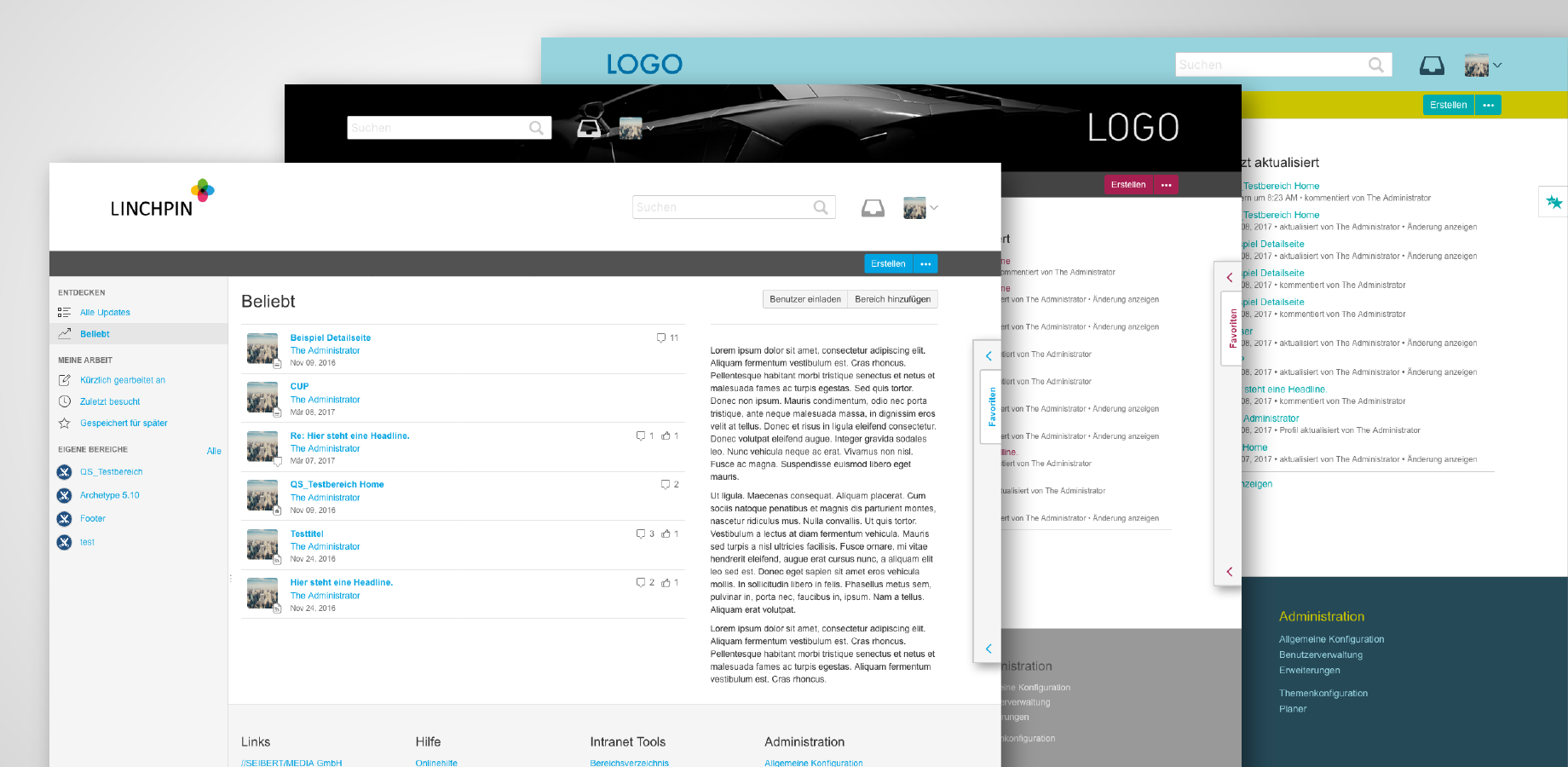
This add-on reached end-of-life. All features have been moved into the Linchpin Theme Plugin (v2.3.0)!
We would like to inform you that we migrated the "Linchpin Theme Plugin - Enterprise" and "Linchpin Theme Plugin - Standard“.
If you’re not using the Linchpin Theme Plugin already go for our new Linchpin Theme Plugin. More information: Linchpin Theme
Of course all existing users of the "Linchpin Theme Plugin - Enterprise“ can easily update to the new Linchpin Theme Plugin. Your themes won’t get lost!
Please keep in mind to de-install the "Linchpin Theme Plugin - Enterprise“ before you get the new Linchpin Them Plugin (v2.3.0) from the Marketplace or UPM before you install the new Linchpin Theme Plugin. A direct update trough UPM is not possible.
How to proceed:
- De-install the "Linchpin Theme Plugins - Enterprise"
- De-install the "Linchpin Theme Plugins - Standard" (was automatically installed by the Linchpin Theme Plugin - Enterprise)
- Install the new "Linchpin Theme Plugin“ (v2.3.0) from the Marketplace
We apologize for any inconvenience and wish you a lot of fun with the new Linchpin Theme Plugin.