

Just a heads-up: The documentation pages you are accessing are under construction and represent work in progress. We are actively building and refining their content to ensure they meet the highest standards of accuracy, clarity, and usability.
Thanks for your patience and understanding as we work to make these resources valuable and accessible for everyone. 🙏🏻
Documentation's navigation
On this page
In which data formats will I be able to migrate from Linchpin Suite to Mantra?
To ensure an as seamless as possible migration from Linchpin Suite to Mantra, there will be different data formats in which you will export your data. The following formats are available:
JSON
CSV
ZIP
For more information on the migration check out the buttons below.
What does it look like in Linchpin?
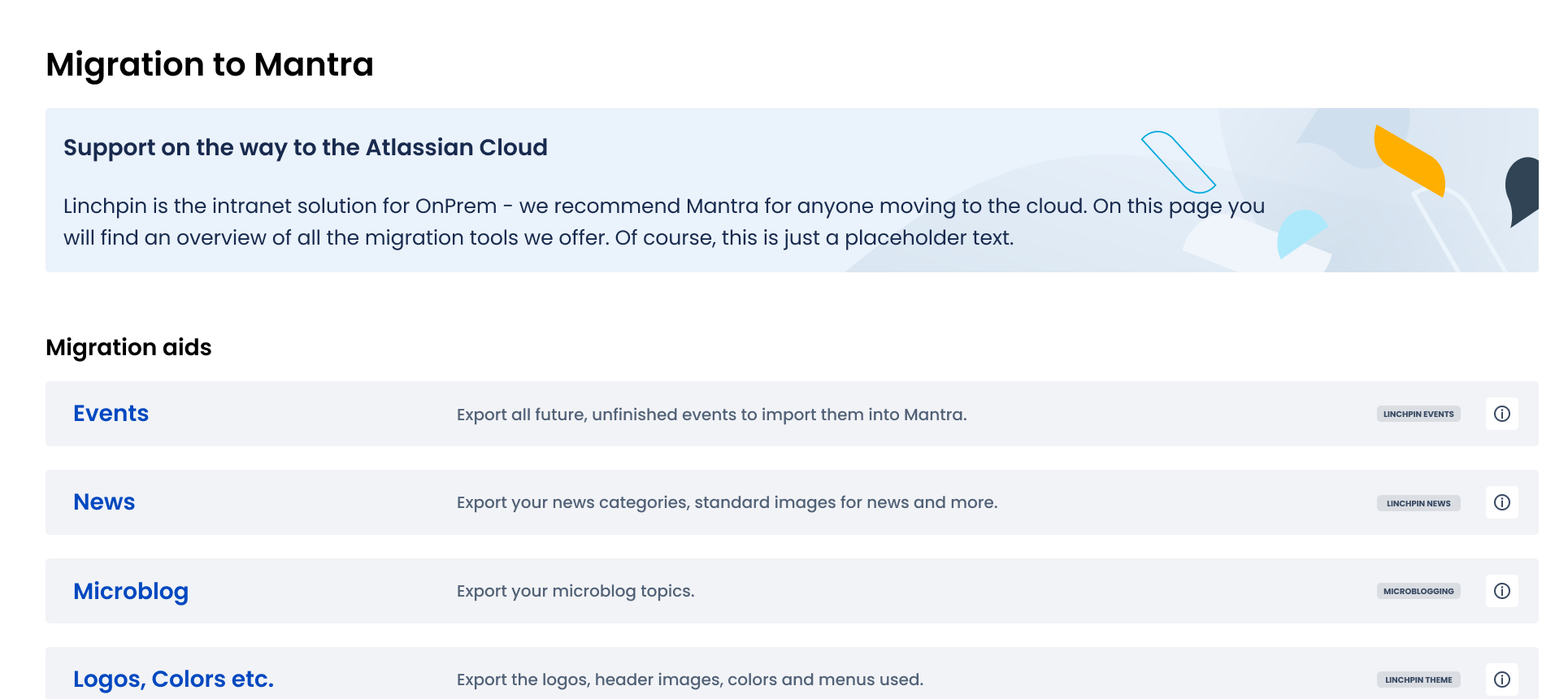
For the migration of Linchpin apps to Mantra, there will be an export button per app area, i.e. Linchpin Events, in the adminstration. Once you've clicked on the button, such as the EVENTS button above, a new window will open.
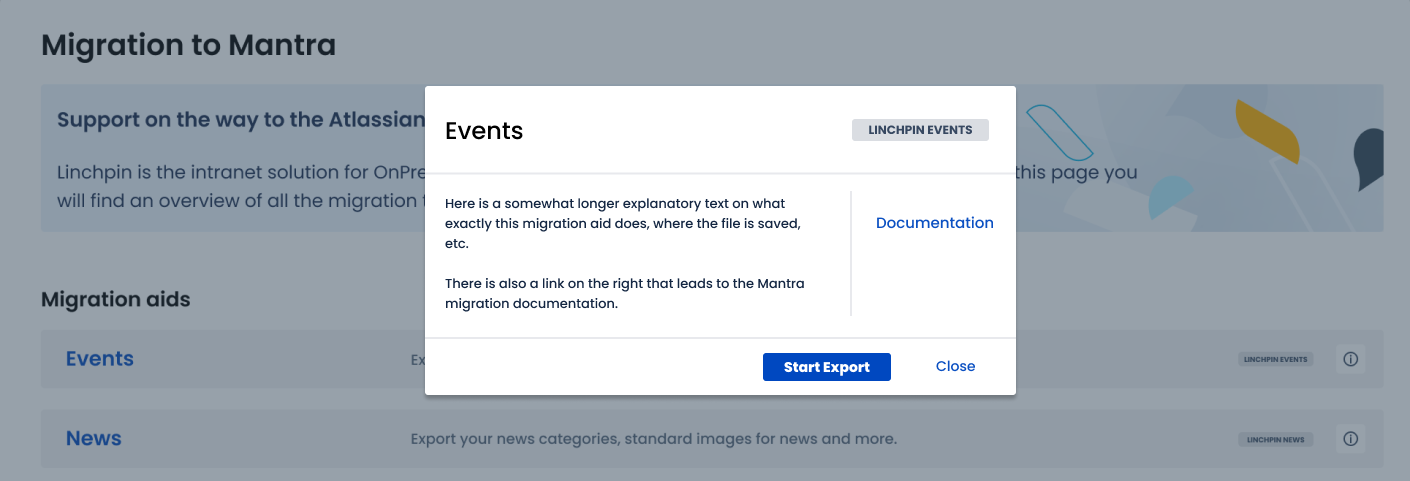
Within this new window you will see a longer explanatory text on what exactly this migration aid does, where the file is saved, etc.
The link on the right leads to the Mantra migration documentation to provide you with even more helpful resources.
Have a question or comment?
Talk to us! Whether you need help or have feedback, you can set up a personal meeting.
Our live demos are carried out via Google Meet (no registration required).

Linchpin Support
If you have any problems exporting files from Linchpin, our excellent support team is here to help.

Mantra Support
Contact Mantra Support to get assistance and learn how Mantra transforms your Confluence Cloud into an Intranet.

Service
Desk
Need technical support? Our Service Desk is the perfect place to go to. Simply create a ticket and get your answer.

Leave a
Review
Satisfied with Mantra or our support?
Let us know by leaving a four-star review in the Marketplace.