Activate Duplicate Issue Defender
Navigate to Settings --> Apps
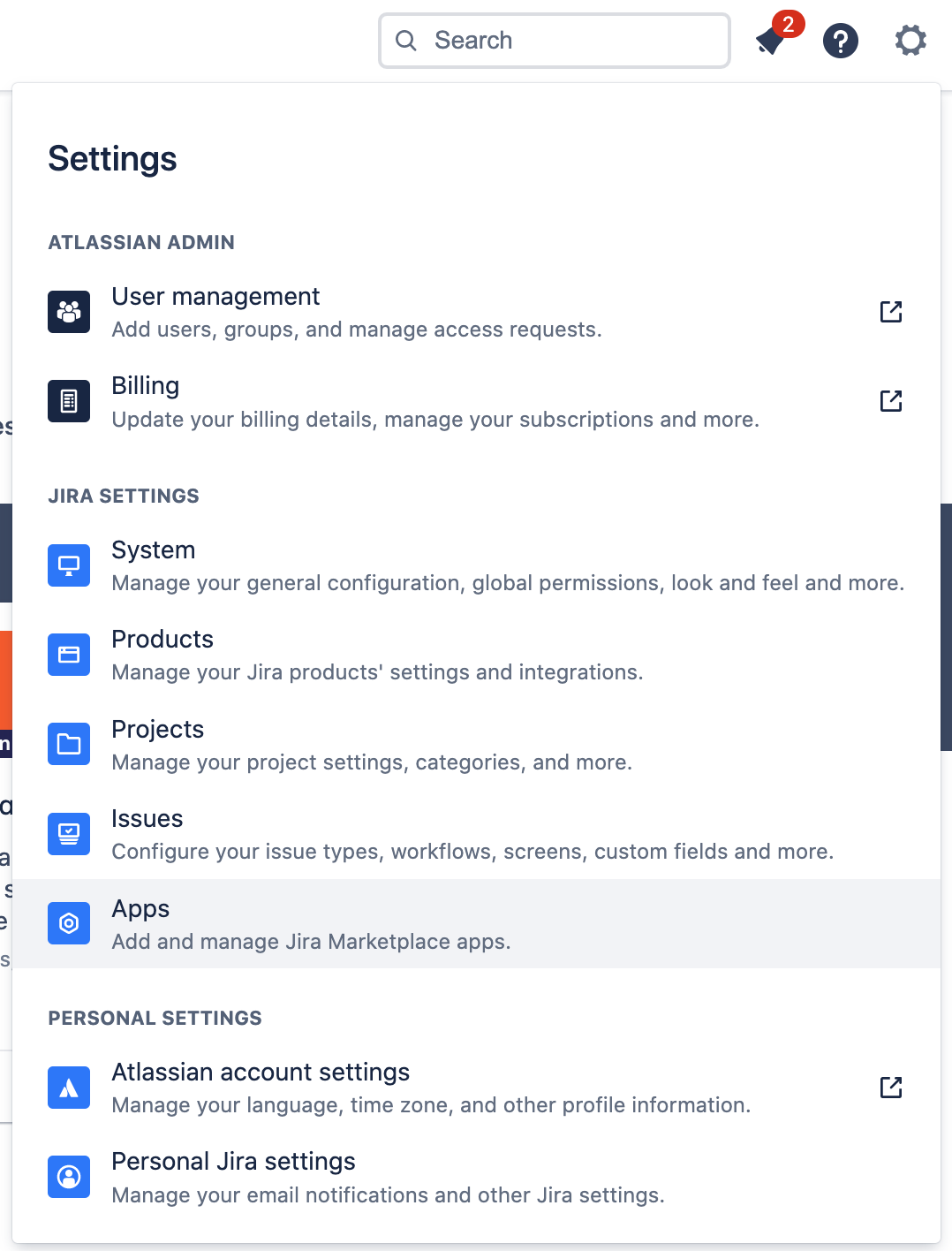
Click on Duplicate Issue Defender located at the left sidebar
Start choosing the projects from the dropdown and click "Activate"
How it works for an user
Create a new issue as usual
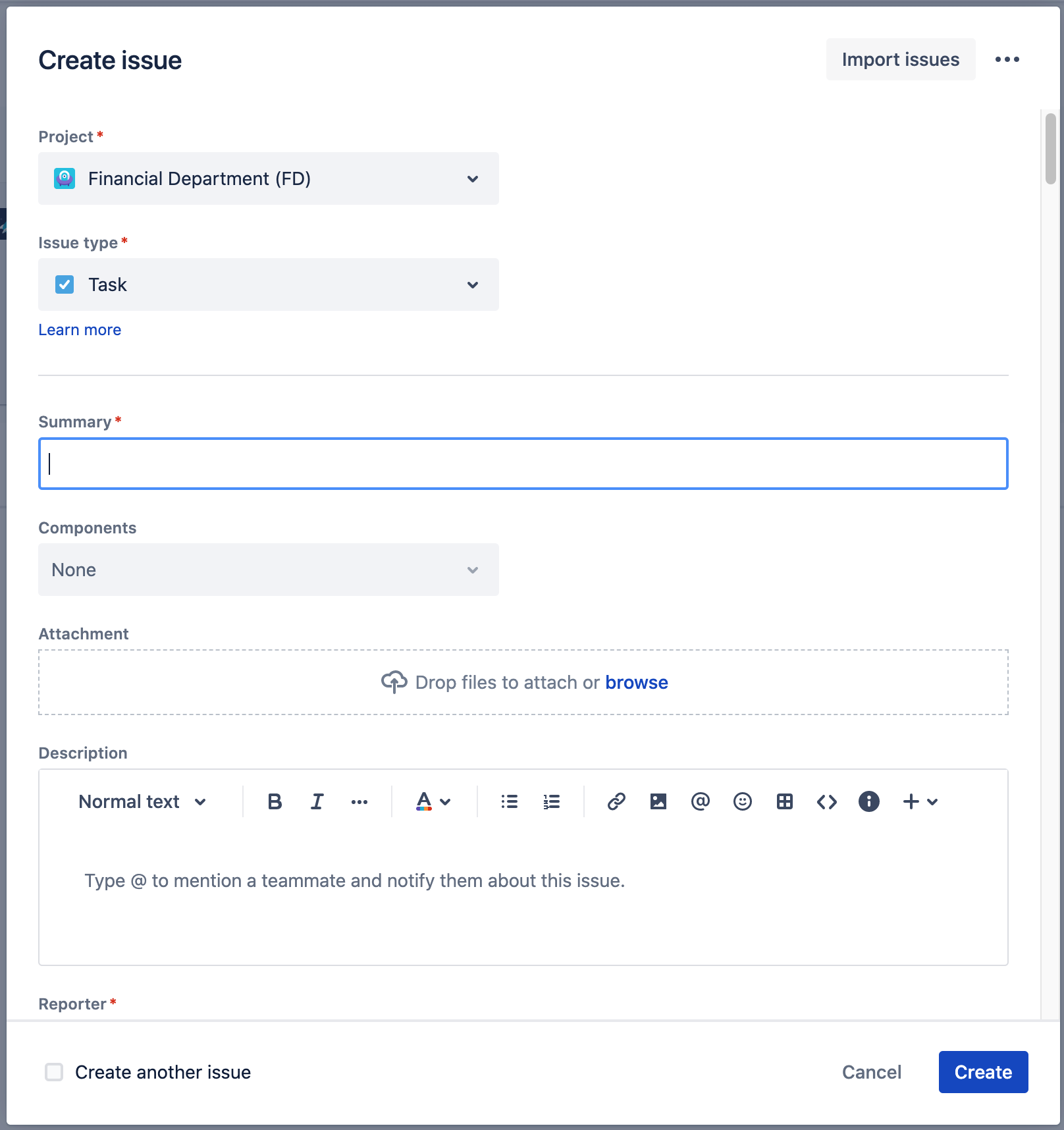
After entering the summary, the background check for duplicates starts
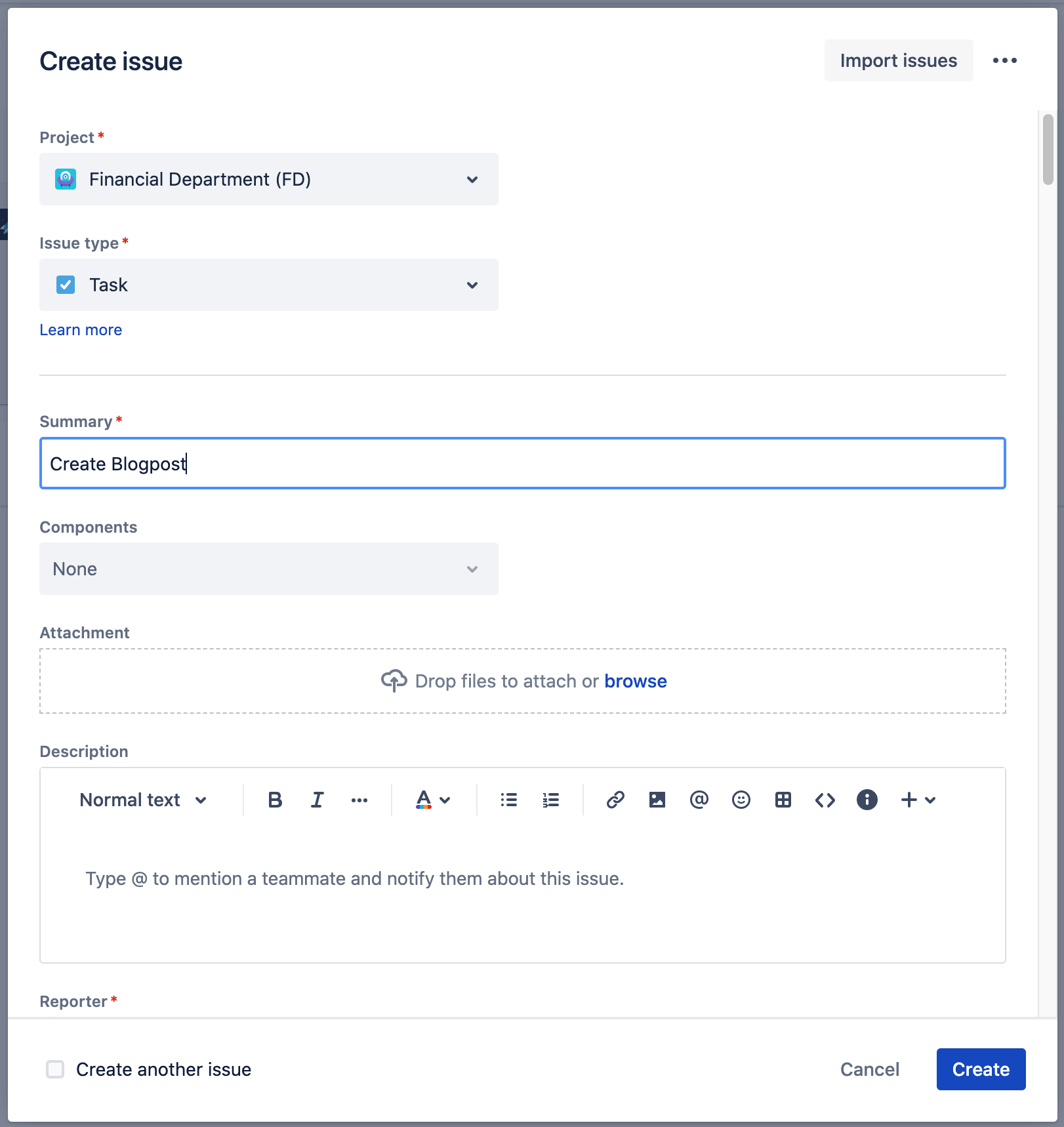
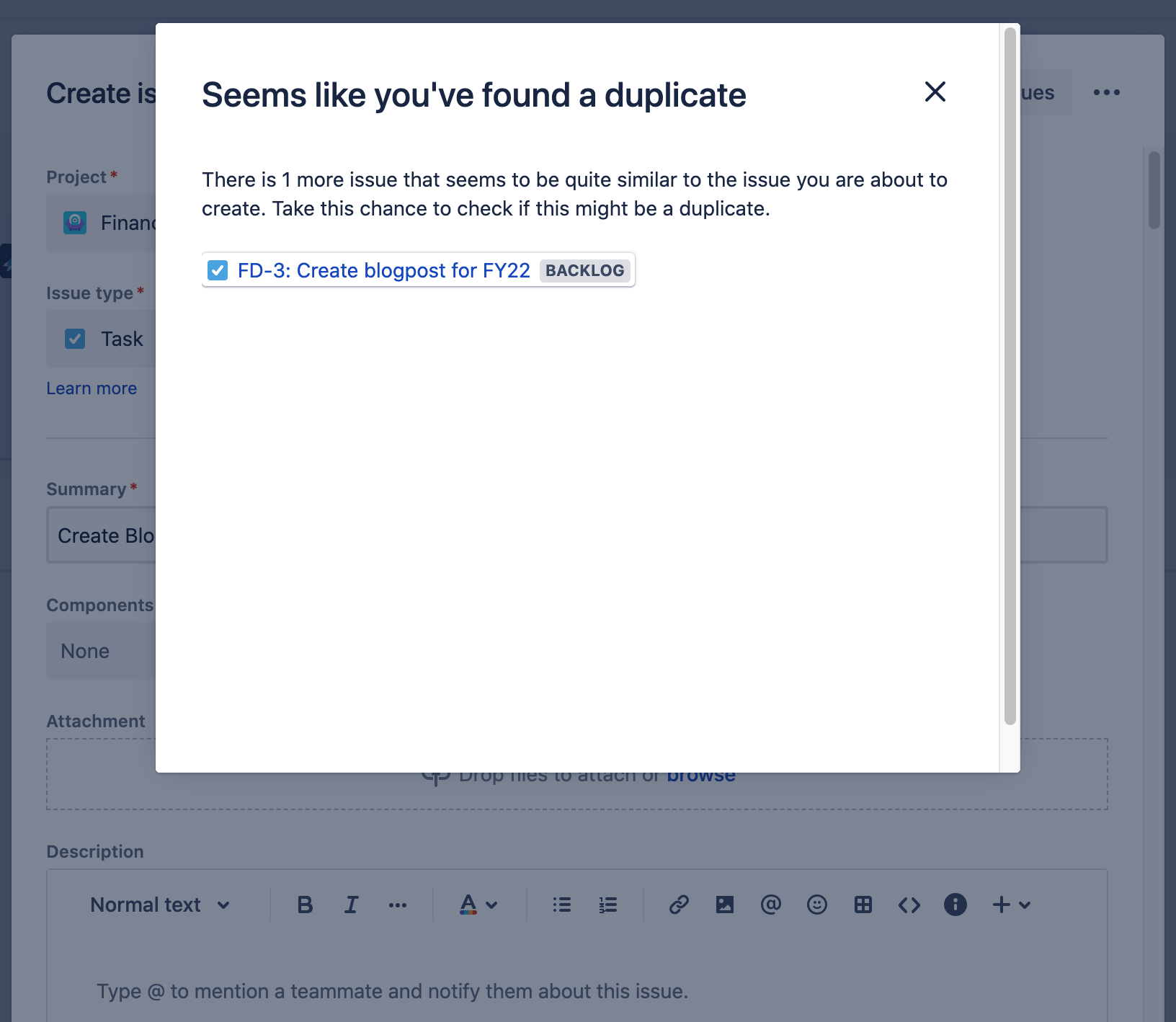
You'll see an information screen if duplicates were found