
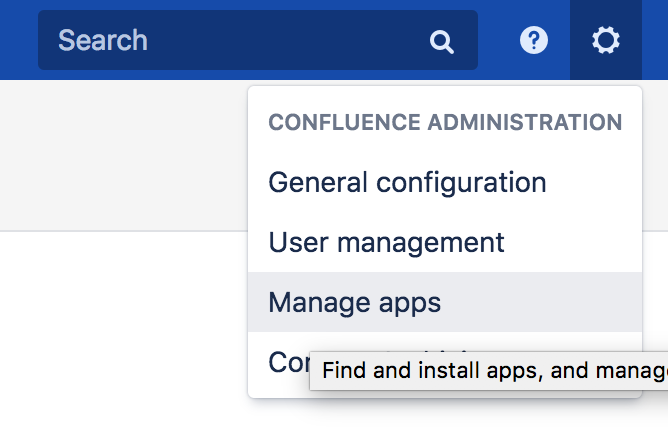
Go to Confluence administration and choose "Manage apps" from the gear menu on the upper right.
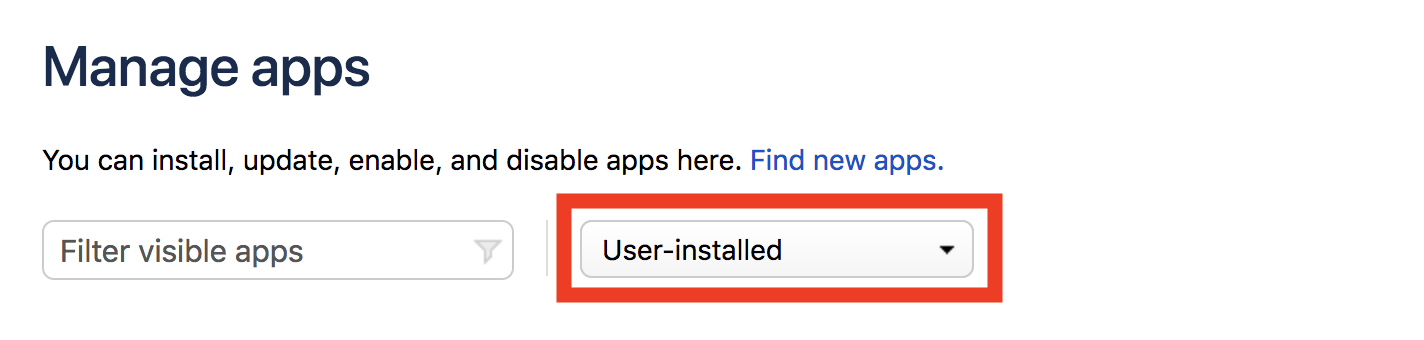
Select "User-installed" as the app filter.
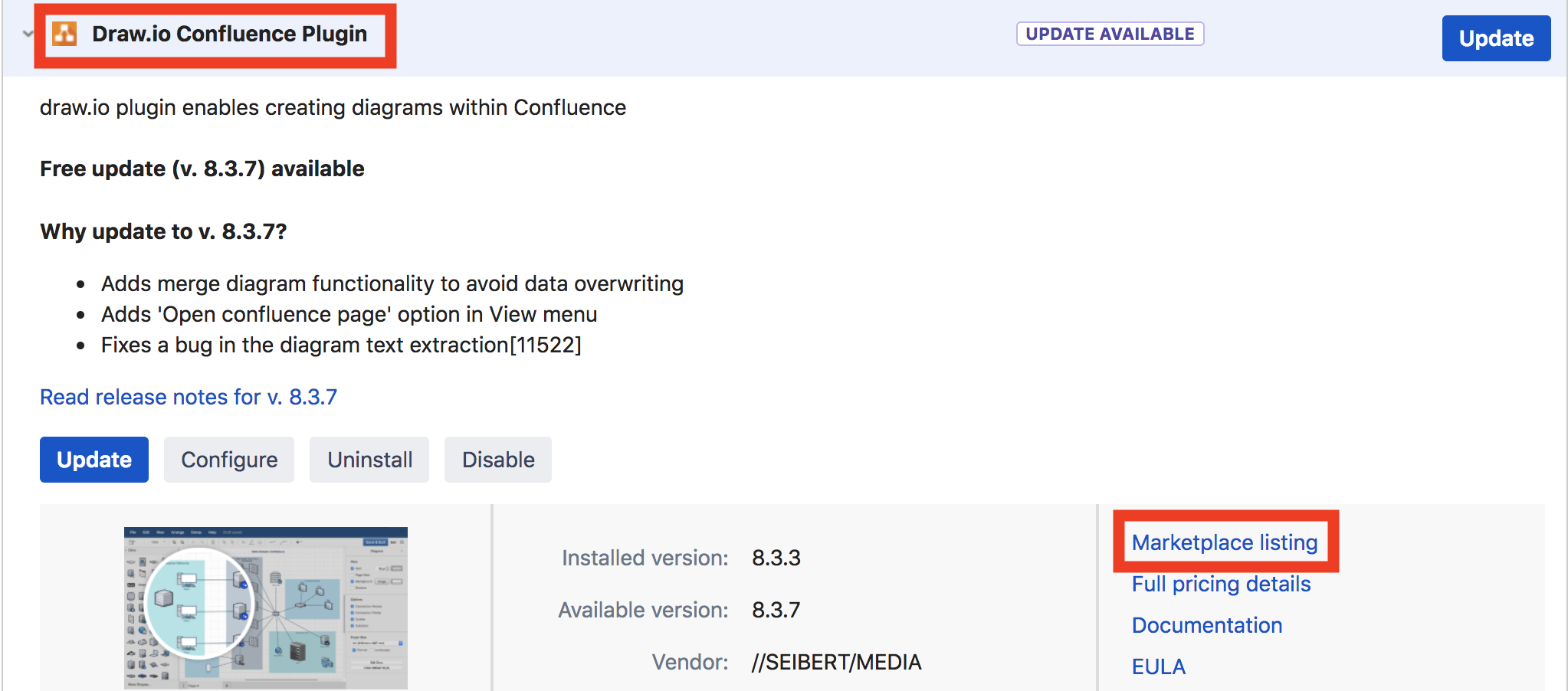
Click the name of the app in question to open the detail view. On the right side, follow the link called "Marketplace listing" to the Atlassian Marketplace.

On the Marketplace page for the app, choose "Versions" followed by "See all X versions" on the right.

Select the version in question to expand details about this version, including the release notes.